 @MRSADYBRUSSELS
HITMAKINGZ: an artist diagnosis turned into a game
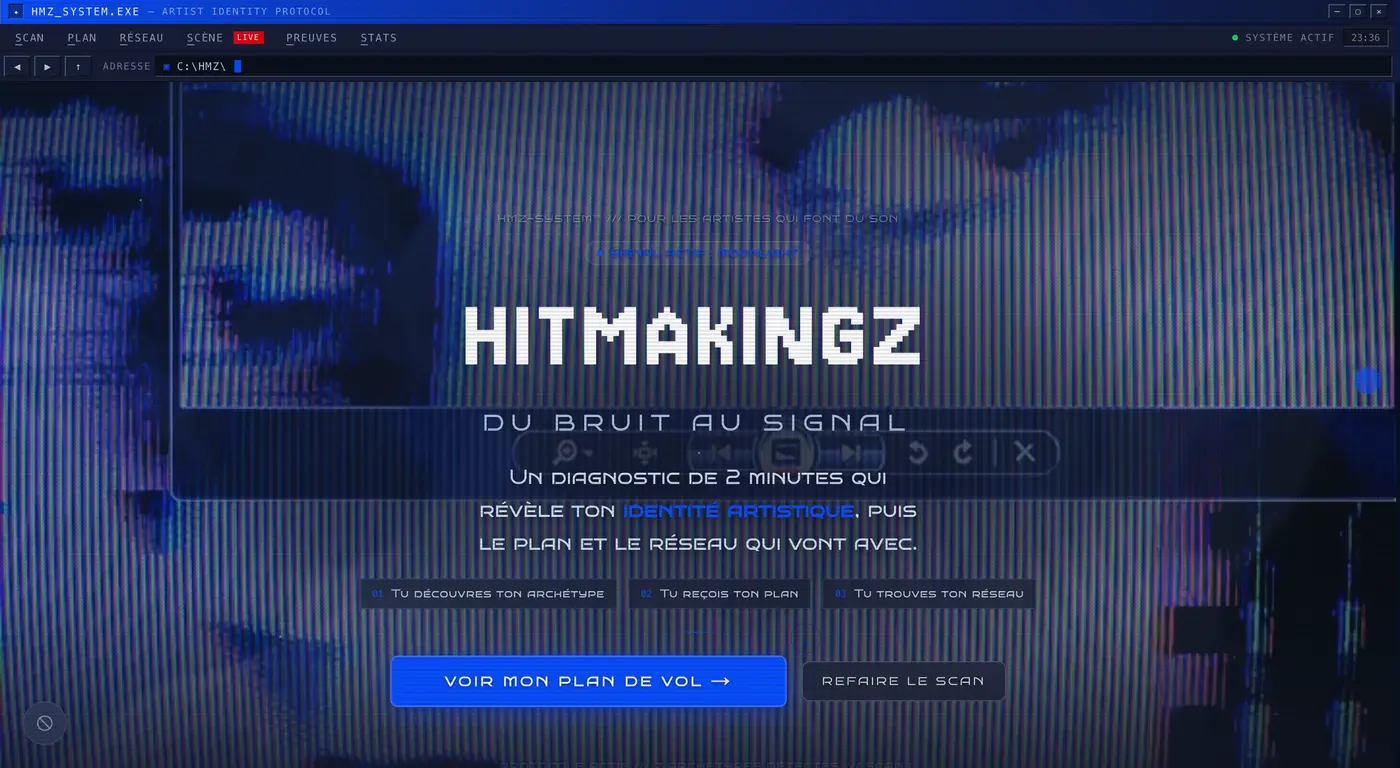
Seven archetypes named after films, an eight-step plan, seven levels from Static to Supernova: how an application helps artists move from noise to signal.
How the art direction of the “Lazy” video was written before the shoot: three sorted references, five colours, effects by the drop and a list of things not to do.
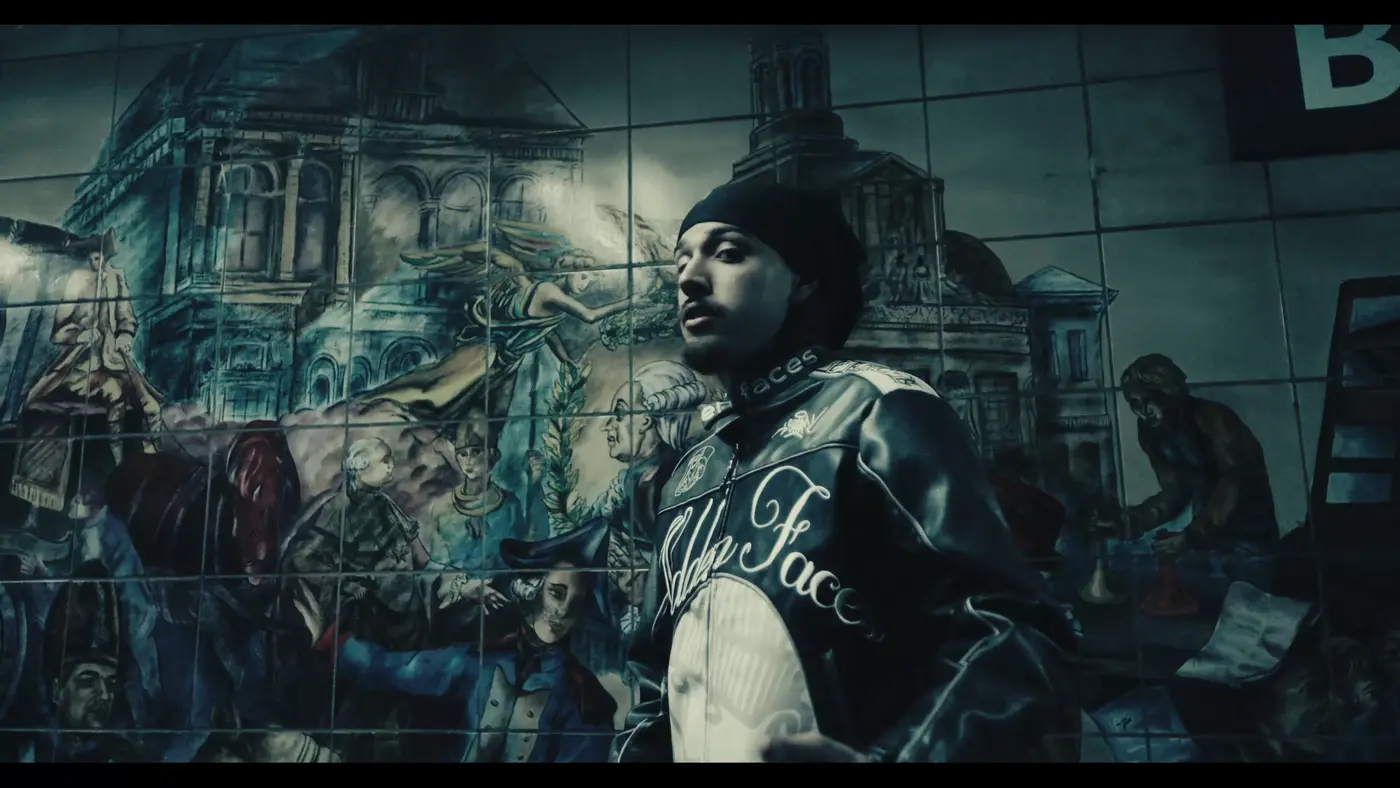
« Laziness isn't filmed by piling on effects — it is filmed by letting the shot breathe. »
The opening rule of the video's bible
“Lazy” is an ambient trap track by the artist 27: cold, contemplative, unhurried. The art direction started from the opposite of “18”, a nervous drill video. Everything else follows from the rule above: hold back rather than add.
On this project, I hold the art direction; T4R directs the video and grades it; Amzyblk shoots the footage. The job of art direction here: decide beforehand, so that the shoot and the post-production never have to guess. Everything is written in the file: the references, the VFX bible, the moodboard.
No reference enters the file wholesale: for each one, we write down what we take from it… and what we refuse.
Effect references are techniques, not palettes: their original colour is neutralised.
#7A8B92#0E1822#3E5662#D4DCE0#C4B8A8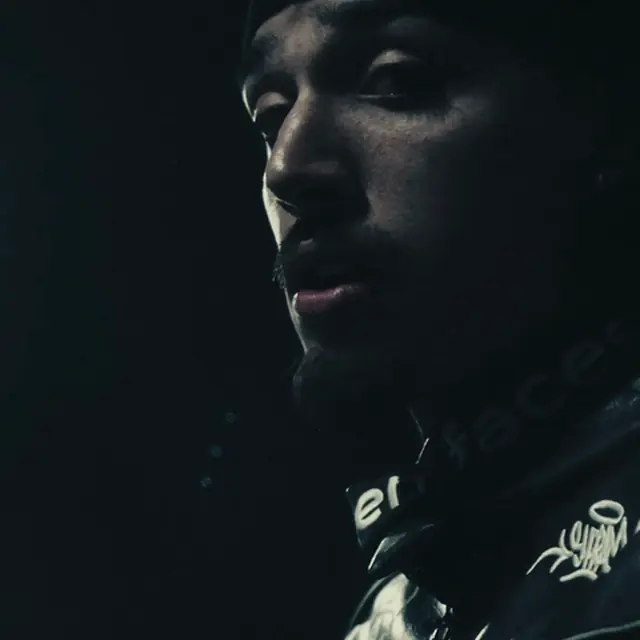
The bible doesn't only say which effects to use: it says how many times.
Ten effects are banned from the video: datamoshing, pixel sorting, particles around faces, particle disintegration, coloured silhouette following the subject, surveillance interface (timecodes, REC), aggressive glitches, golden lens flares, whip pans, fast digital zooms. And four colours, named but never shown: red, phosphor green, golden yellow, magenta.
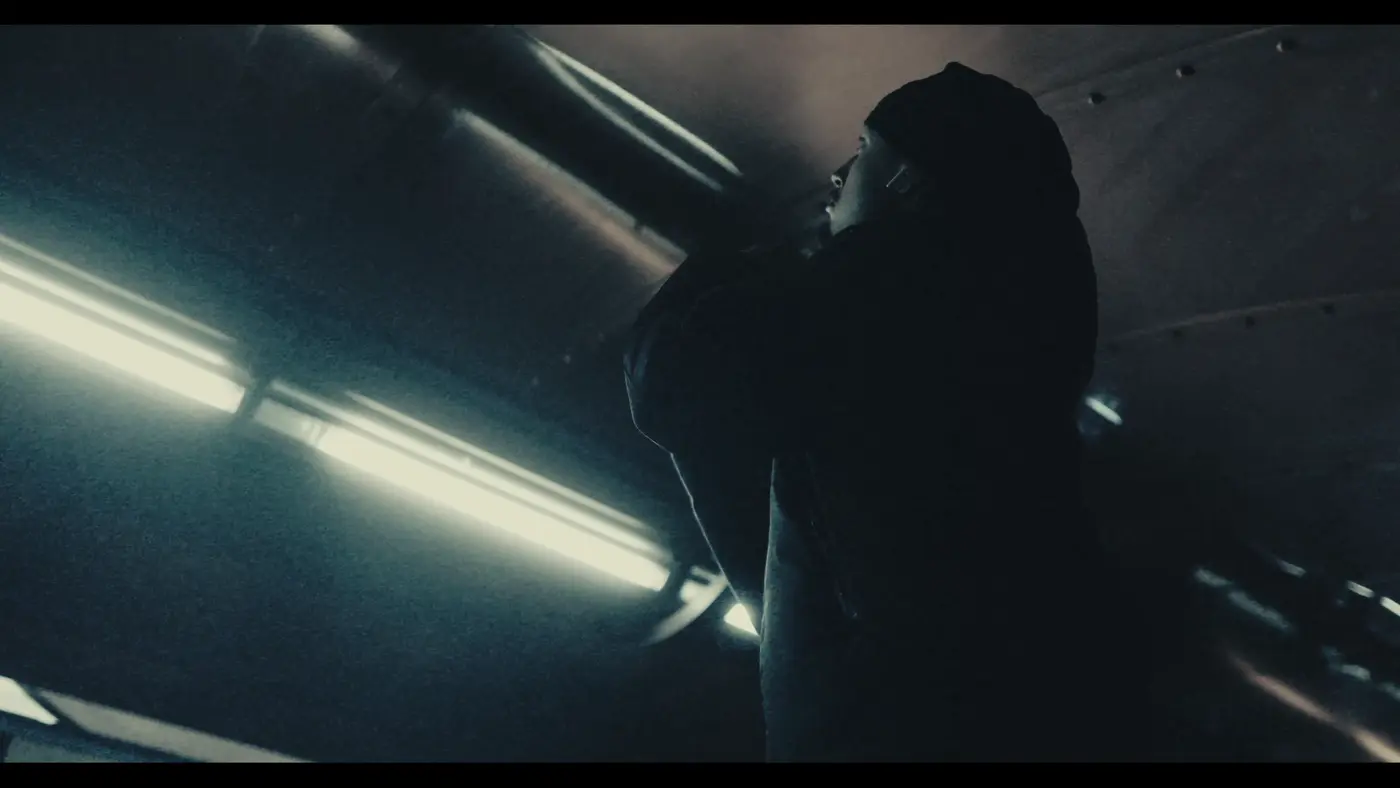
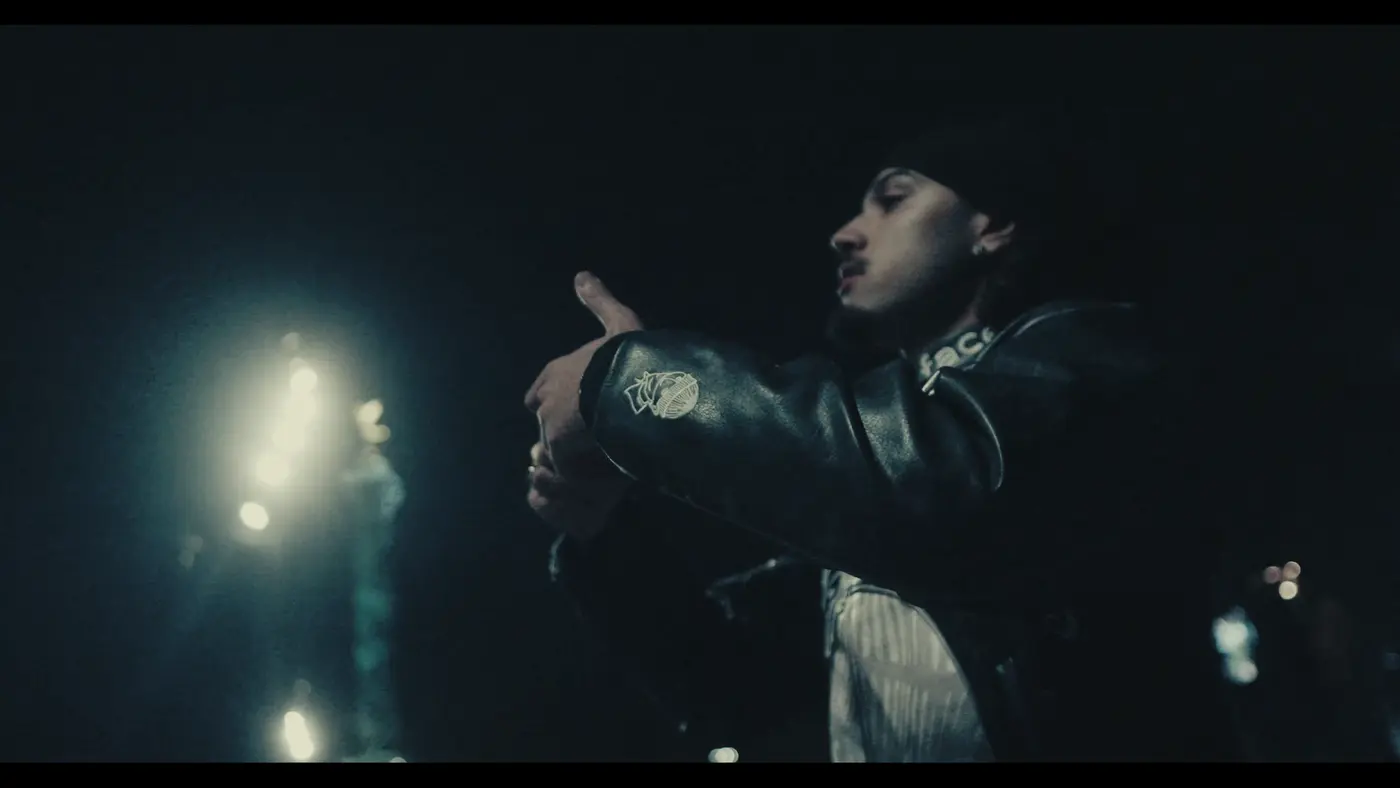
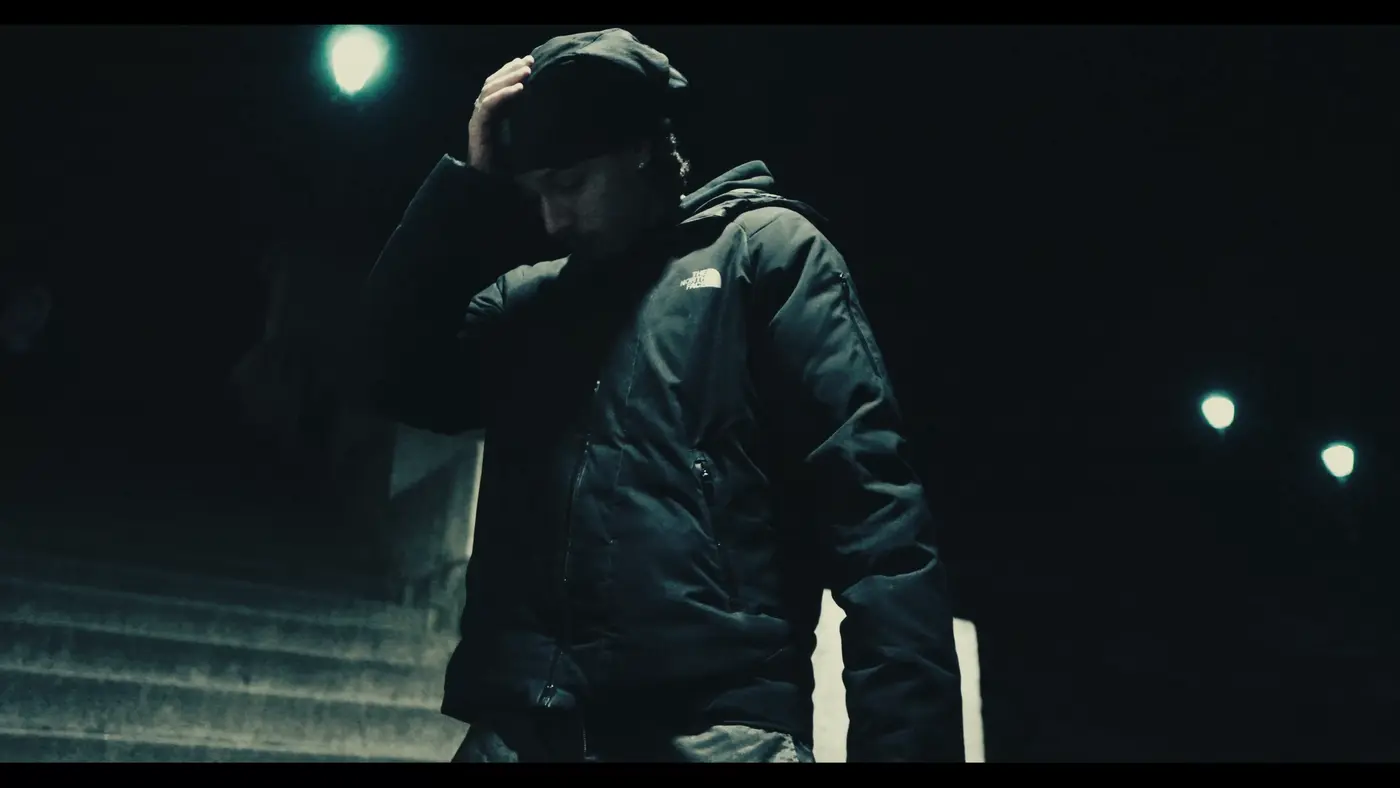
The grading chain is written before the shoot too: S-Log3 rushes (Sony FX30, 4K) → Rec.709 (Conversion, node 01) → “Lazy” grade (Nodes 02 to 06) → VFX (Fusion / After Effects) → Masters (16:9 + three 9:16). T4R followed it all the way to the master: 2 min 22 s in 4K, delivered in 16:9 and in three vertical 9:16 formats for Reels, TikTok and Shorts.
On the project page, a comparator overlays each shot as rush and as master, pixel for pixel: it is the best way to see what the bible produced.
@MRSADYBRUSSELSSeven archetypes named after films, an eight-step plan, seven levels from Static to Supernova: how an application helps artists move from noise to signal.
@MRSADYBRUSSELSTo introduce a social network without an algorithm, the site doesn't list features: it walks the visitor through nine emotions, from “that's exactly me” to “I'm in”.